A lightweight Model Context Protocol (MCP) server that empowers Claude Desktop, Google Antigravity, Cursor, and autonomous agents to create, inspect, edit, and render hand-drawn Pencil2D animations headlessly with 2-bone Inverse Kinematics (IK), bipedal gait cycles, and Sakuga anime combat physics.
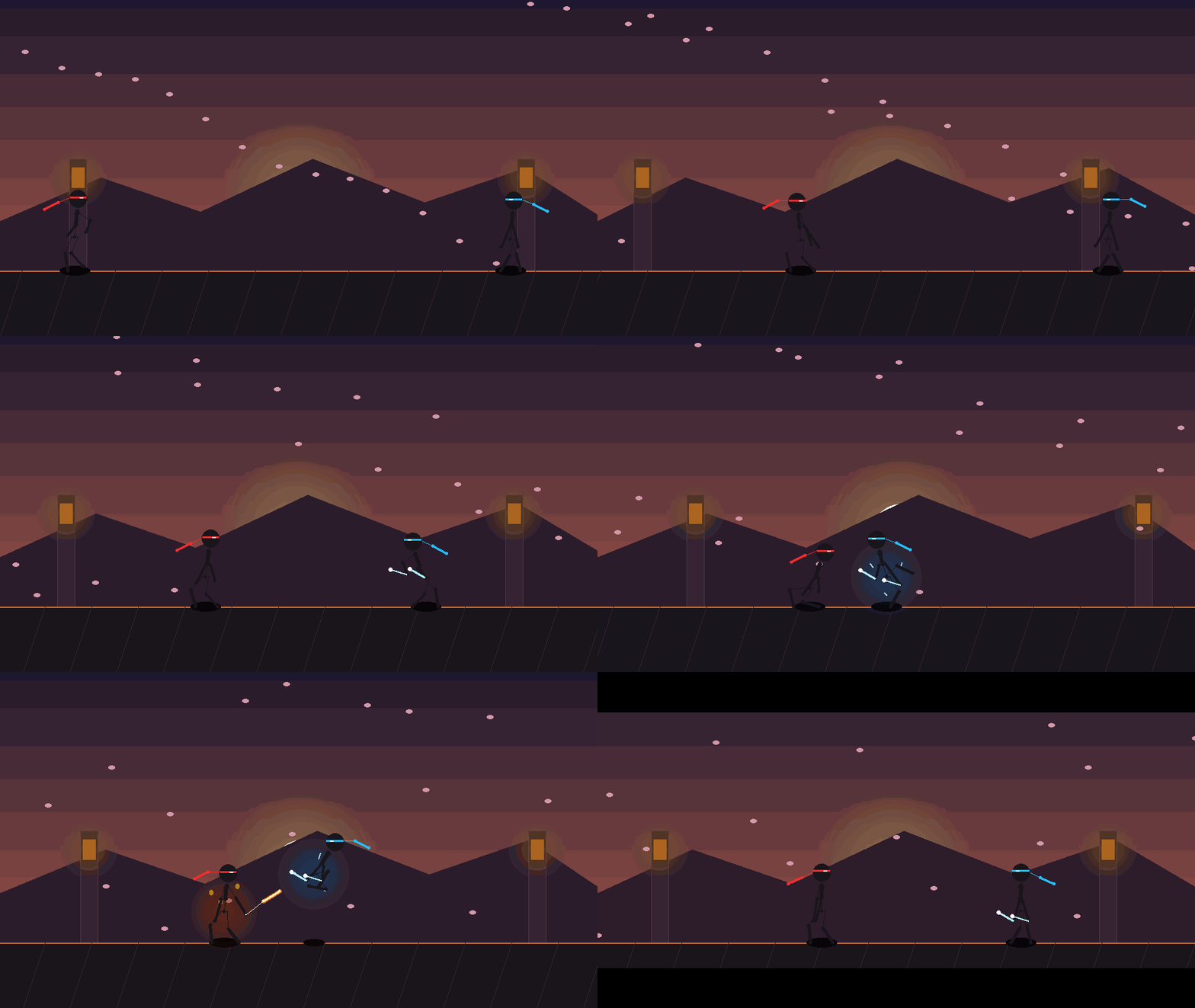
Full bipedal locomotion engine featuring analytic 2-bone Inverse Kinematics (IK), grounded stance foot locking (zero ice-skating), swing knee lift arcs, Wing Chun circular hand deflections, 180° roundhouse kick, and parabolic backflip with squash-cushion landing.
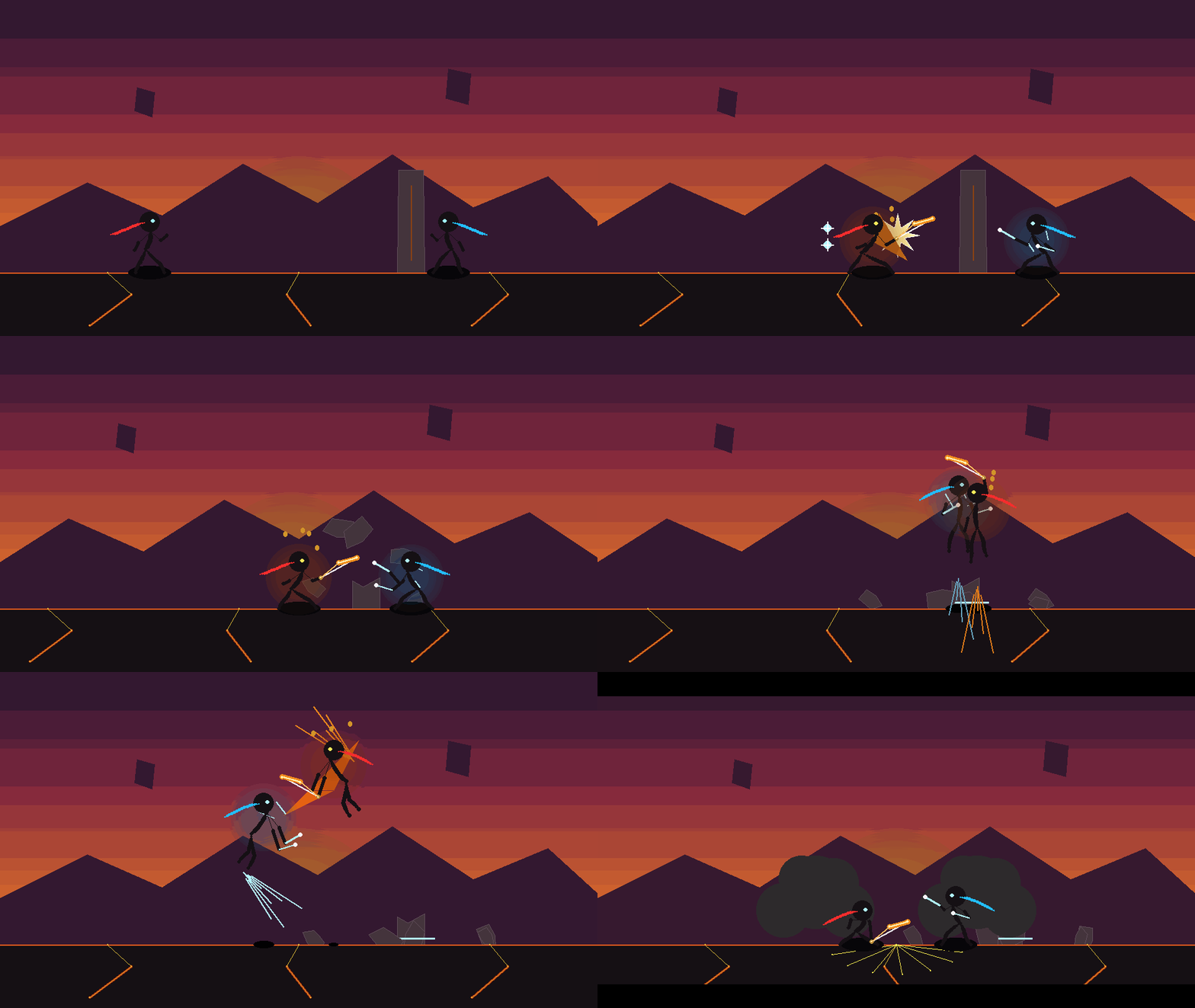
High-octane martial arts combat featuring Flaming Nichirin Katana vs Twin Lightning Daggers/Shurikens, destructible ancient stone pillars, mid-air sliced projectile boulder, inverted monochrome Sakuga impact frames, and camera shake.

Tranquil Makoto Shinkai / Studio Ghibli-inspired wilderness night scene with dynamic shooting stars streaking across the sapphire Milky Way, fluid campfire flame harmonics, and floating particle embers in an infinite seamless loop.
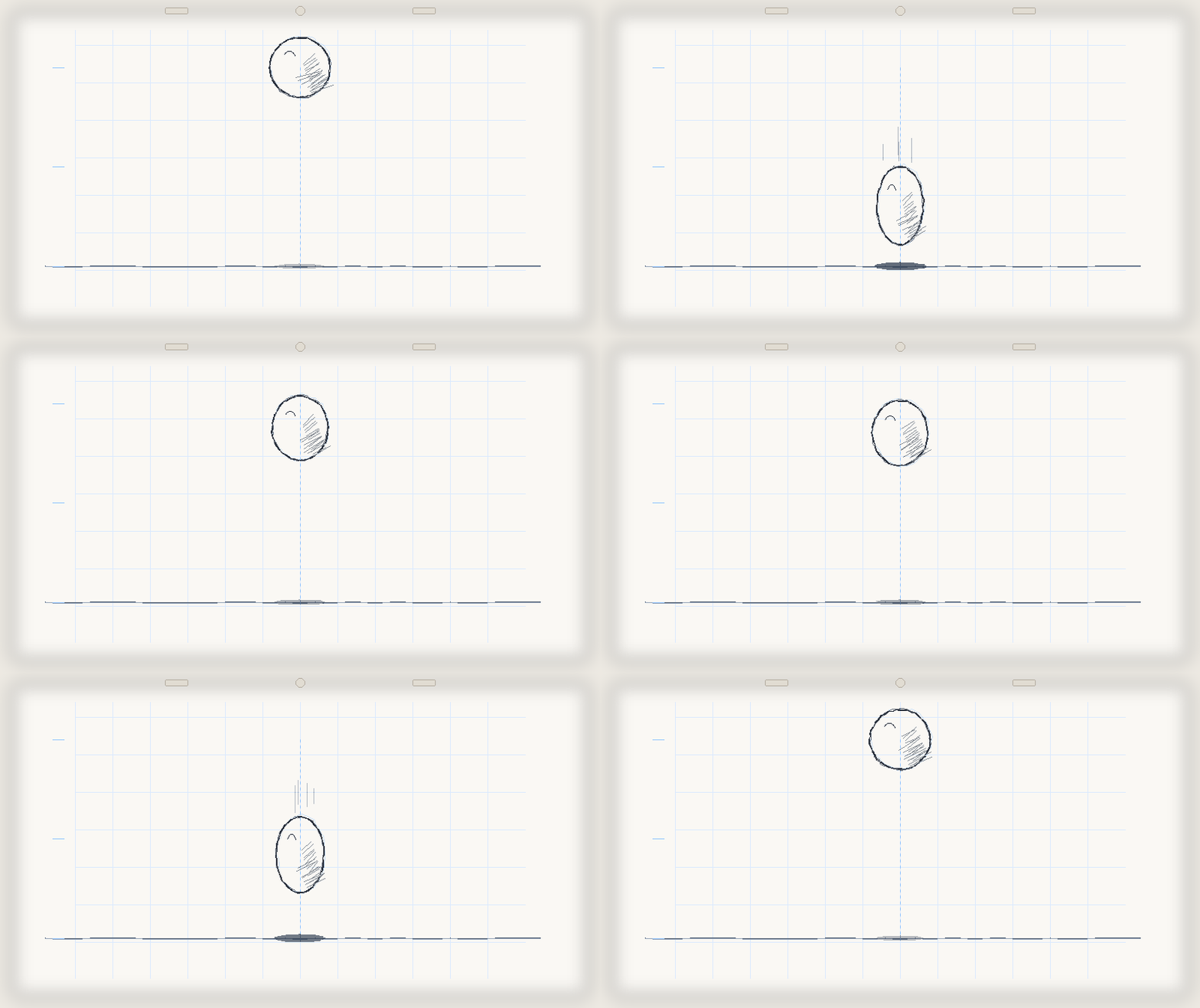
Authentic hand-drawn animator's line test on lightbox paper with 2B graphite contour strokes, traditional curved cross-hatching, non-photo blue Col-Erase construction circles, sketched impact accent lines, and volume-preserving squash & stretch in a seamless infinite loop.
Pure Python implementation utilizing standard library and Pillow. No heavyweight GUI frameworks required to read, write, and manipulate .pclx archives.
Uses the Pencil2D AppImage CLI to render animations directly into MP4 (H.264), animated GIF, WebM, and transparent PNG sequences without opening windows.
Full control over Bitmap layers, Vector layers, Sound tracks, and Camera viewports. Non-destructively organize facial expressions, line art, and colors.
Import dozens or hundreds of frame images from folders or structured arrays in a single low-latency tool call, eliminating single-frame bottlenecks.
Embed WAV/MP3 voiceovers and audio tracks directly onto sound layers aligned to exact timeline keyframe timings.
Comprehensive project validator that inspects XML syntax, checks for missing PNG asset references, and catches frame gaps before rendering.
Analytic trigonometry calculates exact knee and elbow flexion with reach clamping. Ground-locked stance feet eliminate sliding and continuous cubic easing removes all teleporting.
Generates multi-frame contact sheet filmstrips and onion-skinned preview sheets on demand via pencil2d_look so AI agents visually verify animation quality headlessly.
{
  "mcpServers": {
    "pencil2d": {
      "command": "pencil2d-mcp",
      "args": ["serve"],
      "env": {
        "PENCIL2D_APPIMAGE": "/path/to/pencil2d-linux-amd64-v0.7.2.AppImage"
      }
    }
  }
} Pencil2D